










Mobility On-Demand App
Schedule your Connexion ride and track your trips!
How to Ride with JTA Mobility On-Demand
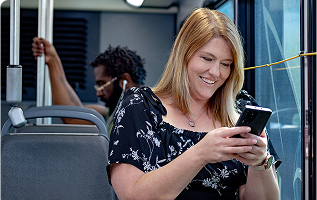
Customers can use the app to request a ride that will pick up and drop off passengers door-to-door.
Following a trip request, the app will provide passengers with an estimated pick-up time, track their vehicle in real-time, and be alerted when their ride is about to arrive. Passengers will also be alerted when their ride is about to reach their desired destination.
Download the App
|
|
|


Tip: Allow the following permissions when prompted:
Location access: Set to "Always" to receive accurate trip information
Notifications: Enable to receive important trip updates
Create an Account
Open the app and tap Register
Enter your phone number (mobile is preferred, but landline will work) OR your email
Enter the 5-digit verification code sent to the contact method you selected
Complete your profile by adding your first and last names, and a profile photo (optional)
Book a Ride in Seconds
Request a ride in the app
Your ride will arrive to you at the door of the address specified in your trip request
TD Services Available
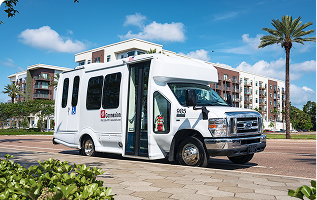
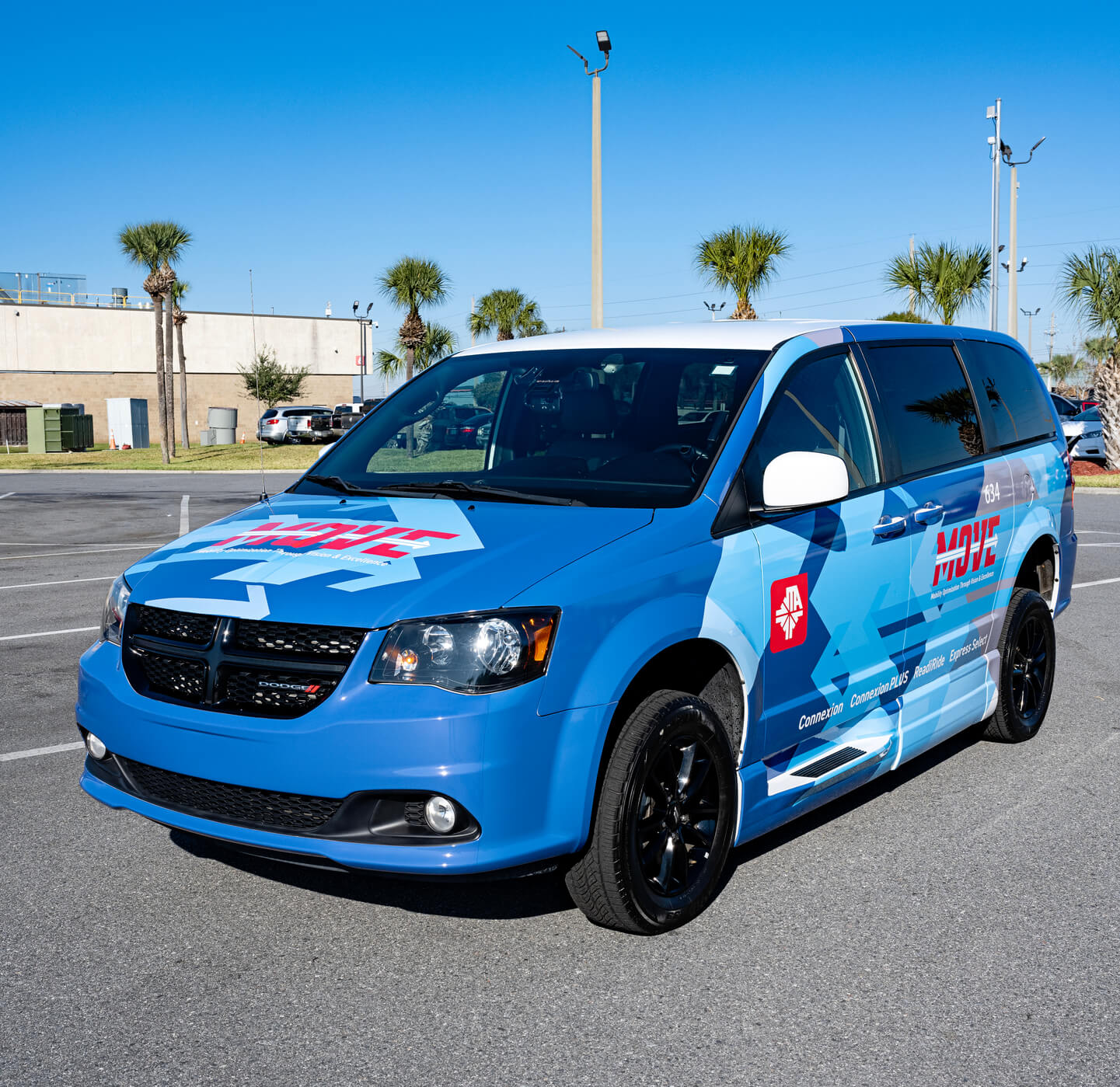
Launching with Connexion, multiple Transportation Disadvantaged (TD) services will become available to book in the Mobility On-Demand app.
Connexion
Schedule and view your trips in real time!
ReadiRide
Rides must be booked over the phone: (904) 265-6999
Booked rides can be viewed in the app.
Coming Soon
More TD services are coming to the app.